
Introduction
Creating professional-looking videos can seem overwhelming for beginners, especially with so many software options available. The right video editing tool simplifies the process, helping users craft stunning videos with ease. This guide highlights the top 5 video editing software ideal for beginners in India.
What is Video Editing Software?
Video editing software is a digital tool that allows users to arrange, modify, and enhance video clips. It provides features like trimming, adding effects, transitions, music, and text overlays, enabling creators to produce polished content efficiently.
Why It Matters & Who Benefits
Video editing software is essential for anyone looking to produce high-quality content. Key user groups include:
- Content creators & YouTubers – for engaging, professional videos.
- Social media enthusiasts – quick edits for Instagram, reels, or TikTok.
- Students & educators – making presentations, tutorials, or projects.
- Small business owners – promotional videos and ads.
- Aspiring filmmakers & developers – learning the basics of video production.
How It Works / Key Features
1. Timeline Editing
Allows users to arrange video clips sequentially for smooth storytelling. Drag-and-drop interfaces make it beginner-friendly.
2. Transitions & Effects
Pre-built effects like fade, zoom, and overlays help enhance video quality without advanced skills.
3. Audio & Music Integration
Users can add background music, voiceovers, and sound effects seamlessly.
4. Export & Sharing
Software often supports multiple formats (MP4, MOV) and direct sharing to social platforms.
5. Templates & Presets
Many beginner-friendly tools offer templates for intros, outros, and social media videos to speed up creation.
Practical Use Cases & Examples
- YouTube Vlogs: Cutting clips, adding music, and transitions for engaging storytelling.
- Instagram Reels/TikTok Videos: Using templates for trendy short-form content.
- Educational Tutorials: Overlaying annotations, text, and captions.
- Marketing Content: Creating promotional clips for small businesses.
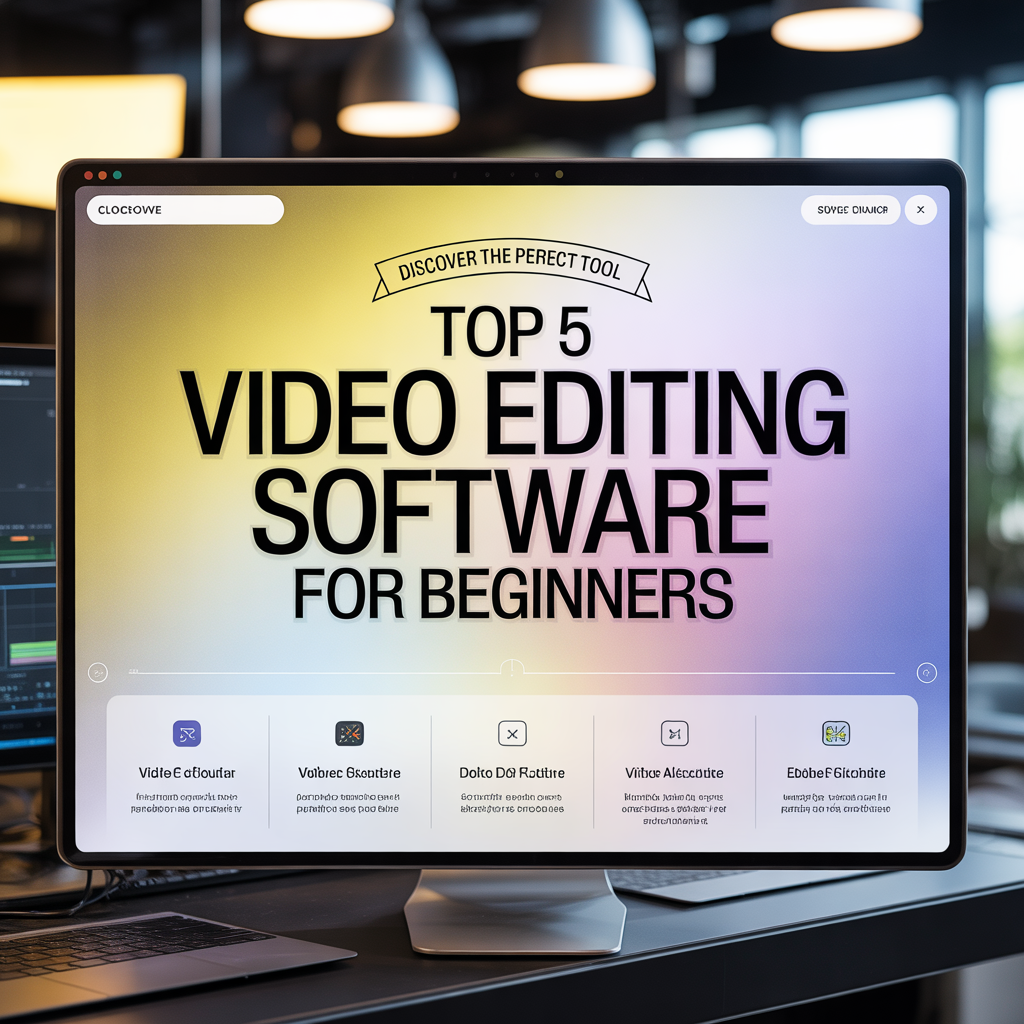
Top 5 Beginner-Friendly Video Editing Software
| Software | Platform | Key Features | Pros | Cons |
|---|---|---|---|---|
| Filmora | Windows, Mac | Drag-and-drop editor, templates, effects | User-friendly, versatile, great tutorials | Limited advanced features |
| Adobe Premiere Rush | Windows, Mac, iOS, Android | Multi-device editing, preset templates | Cross-platform, beginner-friendly interface | Subscription-based |
| Camtasia | Windows, Mac | Screen recording, simple editing, annotations | Perfect for tutorials, easy to learn | Expensive for beginners |
| iMovie | Mac, iOS | Templates, effects, audio integration | Free on Apple devices, simple UI | Limited to Apple ecosystem |
| DaVinci Resolve | Windows, Mac | Color grading, professional effects | Free version powerful, scalable | Steeper learning curve for full features |
Benefits & Limitations
Pros:
- Simplifies video production for beginners.
- Offers templates and presets to reduce editing time.
- Compatible with multiple platforms and devices.
- Integrates audio, effects, and transitions easily.
Cons:
- Free versions often have limitations on features/export quality.
- Some software requires higher system specifications.
- Advanced features may require learning and practice.
Implementation / Buying / Adoption Checklist
- Define Your Goals: Vlogs, social media, tutorials, or marketing videos.
- Platform Compatibility: Ensure software works on your device (Windows, Mac, iOS, Android).
- Budget Consideration: Free vs. paid subscription vs. one-time purchase.
- Feature Requirements: Timeline editing, effects, audio tools, templates.
- Trial & Tutorials: Test free versions or trial periods before purchasing.
- Community & Support: Access to forums, tutorials, and customer support.
Frequently Asked Questions(FAQs)
Q1: Which video editing software is best for beginners?
For beginners, Filmora and Adobe Premiere Rush are highly recommended for their user-friendly interfaces, templates, and quick learning curve.
Q2: Can I edit videos on my mobile device?
Yes. Adobe Premiere Rush and iMovie allow mobile editing with simplified tools and direct social media sharing.
Q3: Is free software enough for learning video editing?
Absolutely. Tools like DaVinci Resolve (free version) and iMovie provide enough features for beginners to learn core editing skills.
Q4: How long does it take to learn basic video editing?
Most beginners can learn the basics within 1–2 weeks of consistent practice, especially with software offering templates and tutorials.
Q5: Do I need high-end hardware for beginner editing software?
Not necessarily. Filmora, iMovie, and Premiere Rush run smoothly on average laptops and mobile devices. DaVinci Resolve may require higher specs for advanced editing.
Conclusion
Choosing the right video editing software can transform beginner creativity into professional-looking videos. Filmora and Adobe Premiere Rush are excellent starting points for most beginners, while DaVinci Resolve offers scalability for future growth. As video content continues to dominate digital platforms in India, mastering these tools can unlock creative and professional opportunities.
LSI / Semantic Keywords:
- Video editing tools India
- Beginner video editor software
- Free video editor 2025
- YouTube video editor
- Mobile video editing apps
- Online video editing software
- Video templates for beginners
Read more: 8 E-Wallet Apps for Everyday Payments
